













Monteringsanvisning för eftermontering av digital instrumentpanel i VW Jetta, årsmodellerna 2012–2018
Komplett eftermonteringsguide för Volkswagen Jetta 2012–2018 (PQ35/MK6 & MK6.5): plug-and-play Digital instrumentpanel för VW Jetta med CANBUS-reglage på ratten [R10], OTA-uppdateringar och steg-för-steg-installation. VW Jetta digital instrumentpanel (2012–2018) — Installations- och användarhandbok.
1. Produktöversikt
Denna guide behandlar Eftermontering av instrumentpanel till Volkswagen Jetta på PQ35-plattformen med en 10,3-tums skärm med upplösningen 1920×720, fullt kompatibel med Jetta CANBUS-reglage på ratten och OTA-uppdateringar.
- Icke-destruktivt, plug-and-play. Endast fabriksklusterpanelen tas bort. Ingen borrning, kapning, kodning eller VIN-matchning krävs. Fordonets originaldata förblir oförändrade och åtgärden är reversibel.
- Linux-plattform av fordonsklass. Utvecklad för fordon med VW PQ-plattform; över 100 stabilitetsiterationer; typisk uppstartstid vid kallstart ≈ 3 sekunder; ingen fördröjning vid långvarig användning.
- 10,3-tums skärm med upplösningen 1920×720 i OEM-kvalitet. Flera användargränssnitt i VW/Audi-stil; bevarar tillverkarens logik för ratten och informationshierarkin.
- Djupgående fordonsintegration. Spegling av trådbundna/trådlösa telefoner, flera språk/enheter, vyer i körläge, alla varningslampor och passiva varningar, fullständig datavisualisering samt OTA-uppdateringar online [R9].
- Inbyggt OEM-styrenhetskort. Alla varningar som rör karossdelen förblir synliga för att säkerställa en säker körning.
- 1:1 – samma utseende och passform som originalet. Geometrin har utformats utifrån interiören i Sagitar/Jetta för att uppnå snäva fogar och en finish som liknar originalutrustningen.
Funktionsutbudet och teman kan variera beroende på modellår, region och gateway. Se den officiella bruksanvisningen. [R1][R2].
2. Kvalitetsstandarder (validering av Jettas digitala instrumentpanel)
| Nej, det gör jag inte. | Testobjekt | Villkor | Resultat |
|---|---|---|---|
| 1 | Grundläggande funktionstest | Alla huvudfunktioner har kontrollerats | PASS |
| 2 | Driftspänningsintervall | 9–16 V vid normal drift | PASS |
| 3 | Överspänningsskydd | Hög-/lågfrekventa överspänningar | PASS |
| 4 | Spänningsvariationer | Simulerad strömförsörjning i fordonet | PASS |
| 5 | ESD-tålighet | Luft: 25 kV (av), 10 kV (på); Kontakt: 15 kV (av) | PASS |
| 6 | Förvaring vid låg temperatur | −40 °C, 48 timmar | PASS |
| 7 | Drift vid låga temperaturer | −30 °C, 24 timmar | PASS |
| 8 | Drift vid höga temperaturer | +70 °C, 24 timmar | PASS |
| 9 | Förvaring vid höga temperaturer | +85 °C, 48 timmar | PASS |
| 10 | Elektromagnetisk störning (radio/telefon) | Inga störningar under samtalet | PASS |
| 11 | Uthållighet vid strömavbrott och återstart | 1 000 000 cykler | PASS |
| 12 | Programvarubelastning | Kontinuerlig CAN-datatrafik | PASS |
| 13 | DDR/Flash-hållbarhet | Belastning vid läsning och skrivning i minnet | PASS |
Anmärkning: Interna valideringspunkter för Ikagoos PQ-plattform Jetta-kluster; detaljerna varierar beroende på år och region.
3. Förpackningens innehåll
- Montering av digital instrumentpanel (specifikt för Sagitar/Jetta)
- Fordonsspecifik kabelhärva
- Grundläggande installationsverktyg
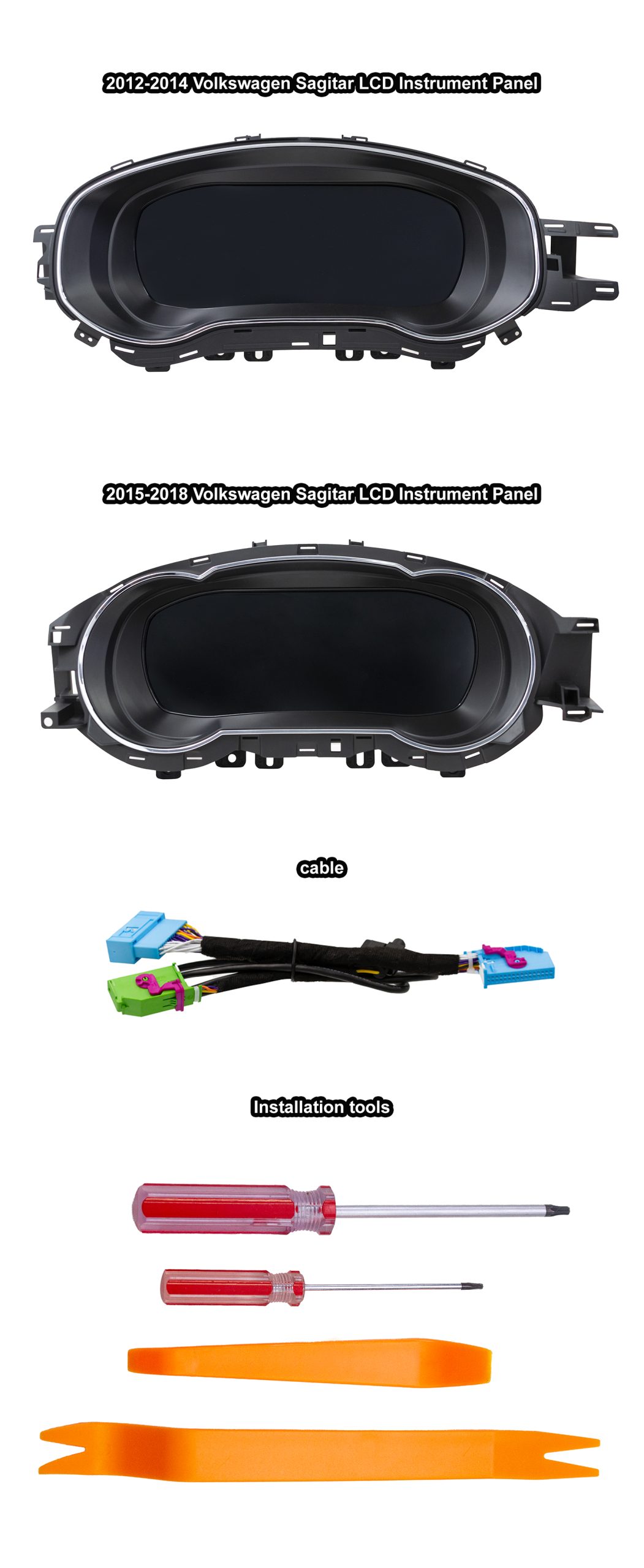
Kontrollera alla delar före montering. Om din sats inte stämmer överens med fordonets årsmodell, kontakta supporten.
4. Viktiga anmärkningar
- PQ-plattformen (Jetta 2012–2018). För fordon utrustade med analoga instrumentpaneler. Stöd för högerstyrning, diesel och hybrid.
- Kompatibilitetskontroll. Om din fabriksmonterade analoga instrumentpanel ser ut som den som visas i våra videor/bilder gäller denna eftermontering. [R1]
- Åtgärder mot elektrostatisk urladdning. Avled statisk elektricitet från kroppen (håll i ett metallrör och tvätta händerna). Håll i kretskortet i kanterna; rör inte komponenterna.
- Behåll den ursprungliga summern/högtalaren. Ta inte bort den, eftersom systemet annars kan utlösa ett “klusterfel”.” [R7]
- Innan borttagningen. Inaktivera varningen “Vinterdäck” och ställ in “Hastighetsvarning” på max, och stäng sedan av båda i multifunktionsdisplayen [R8].
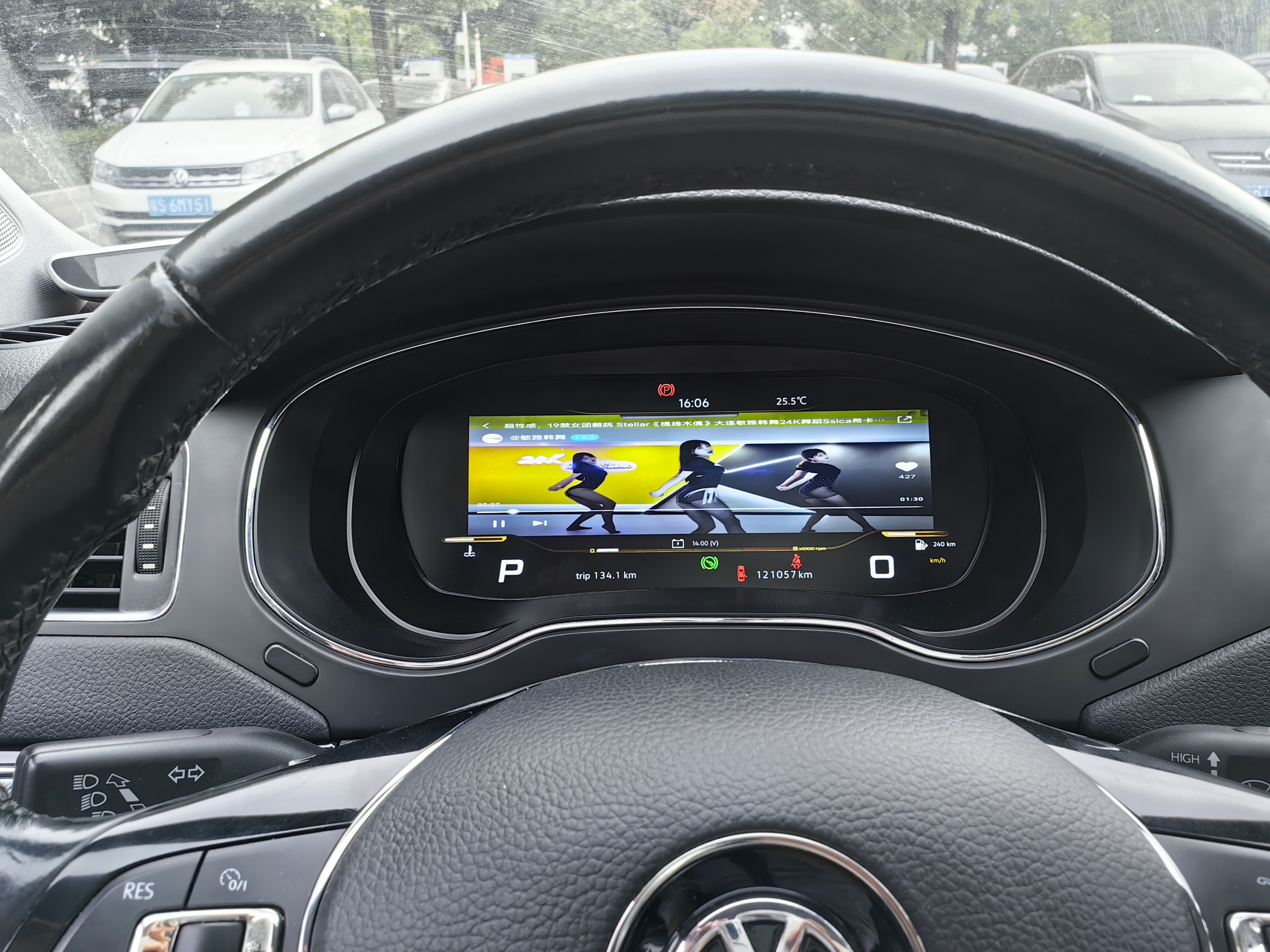
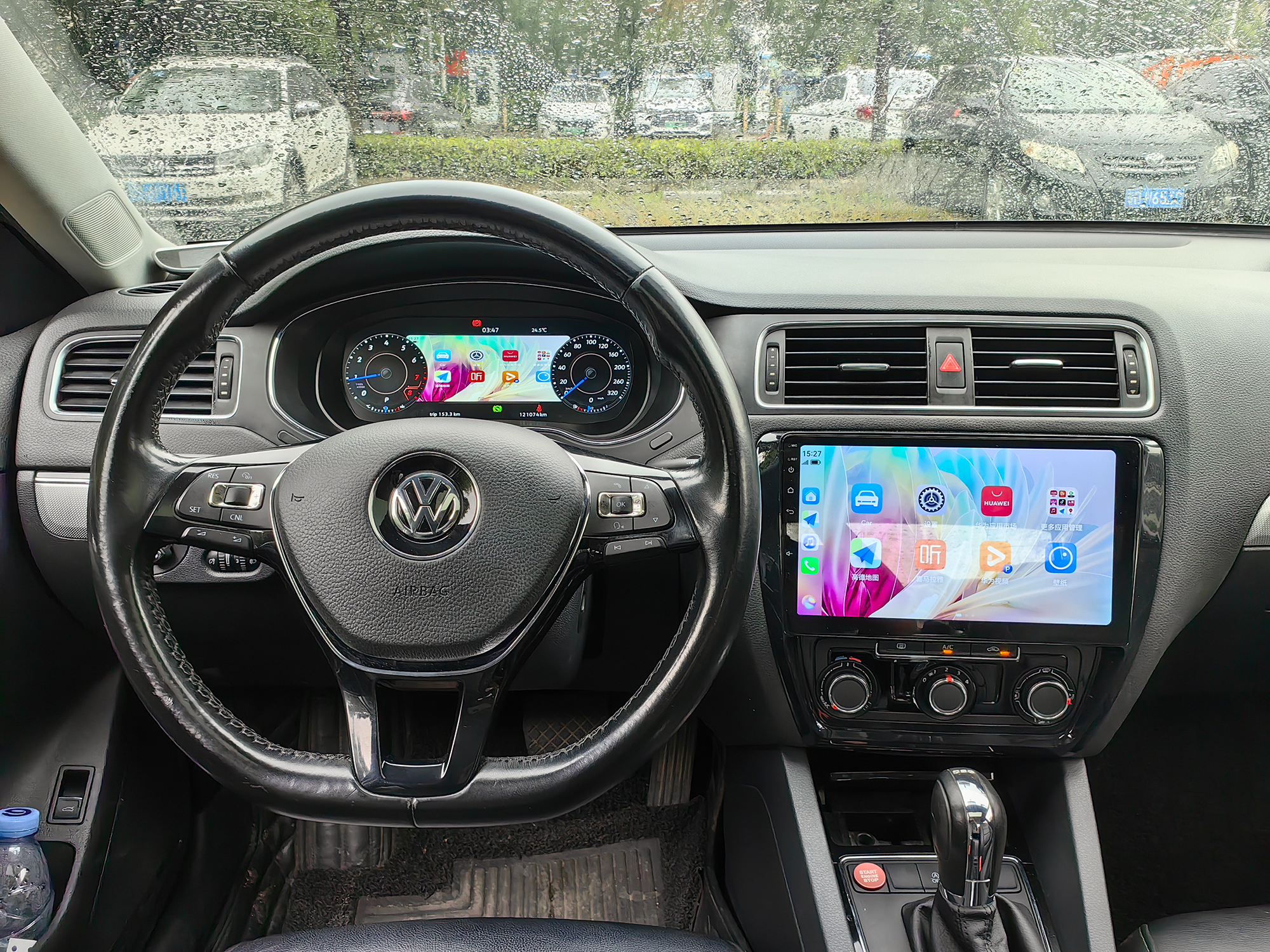
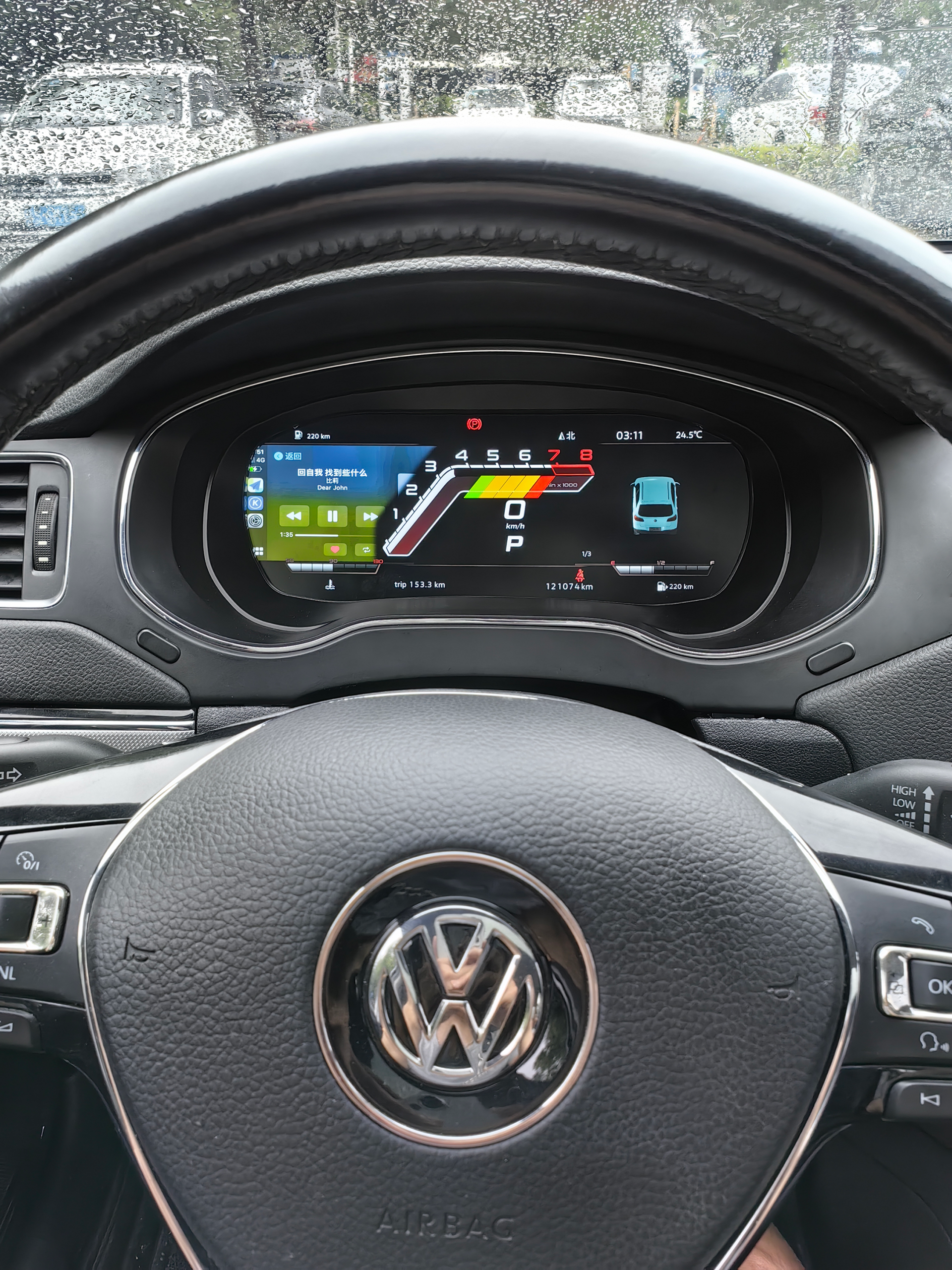
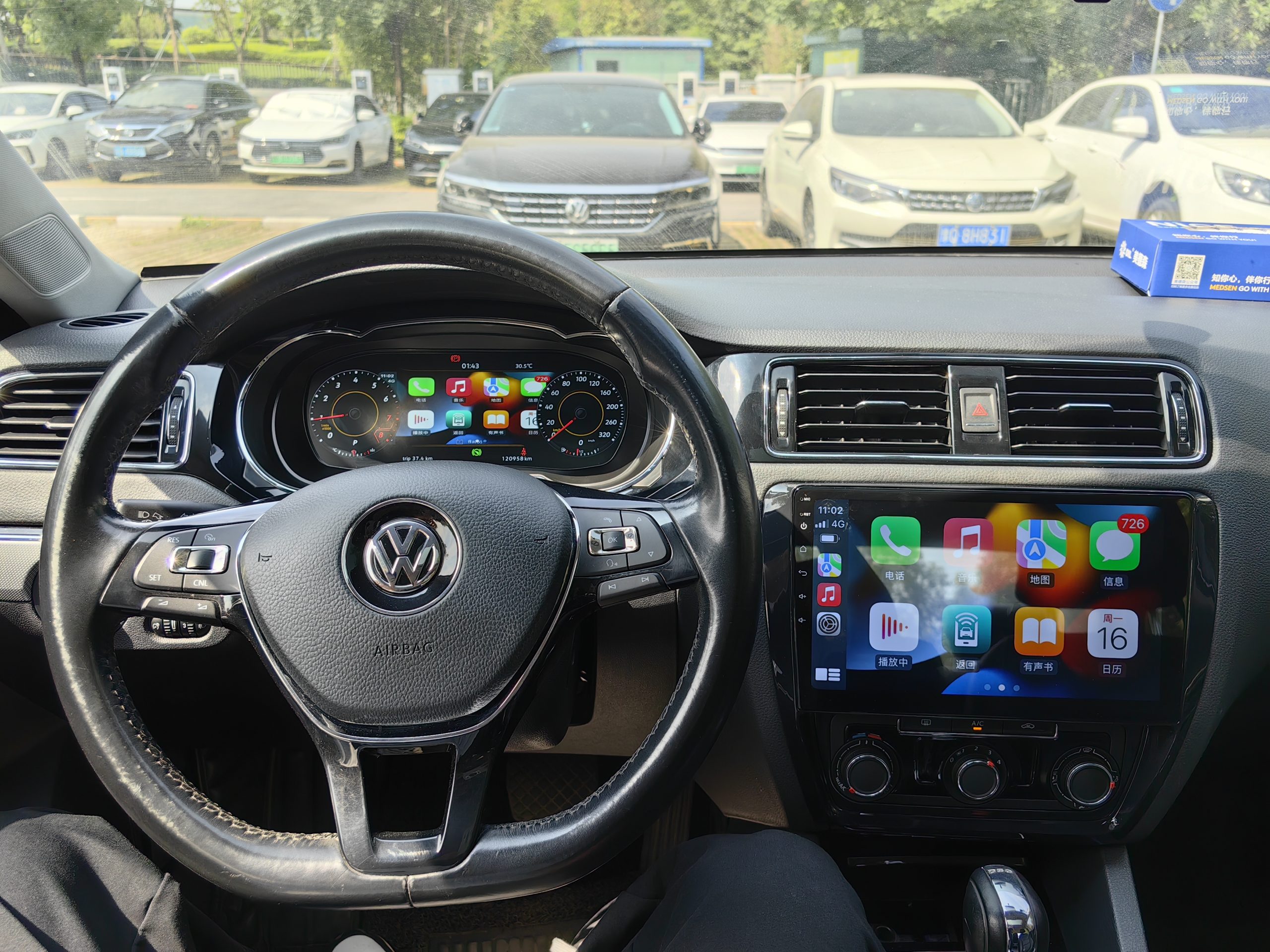
5. Installationsgalleri
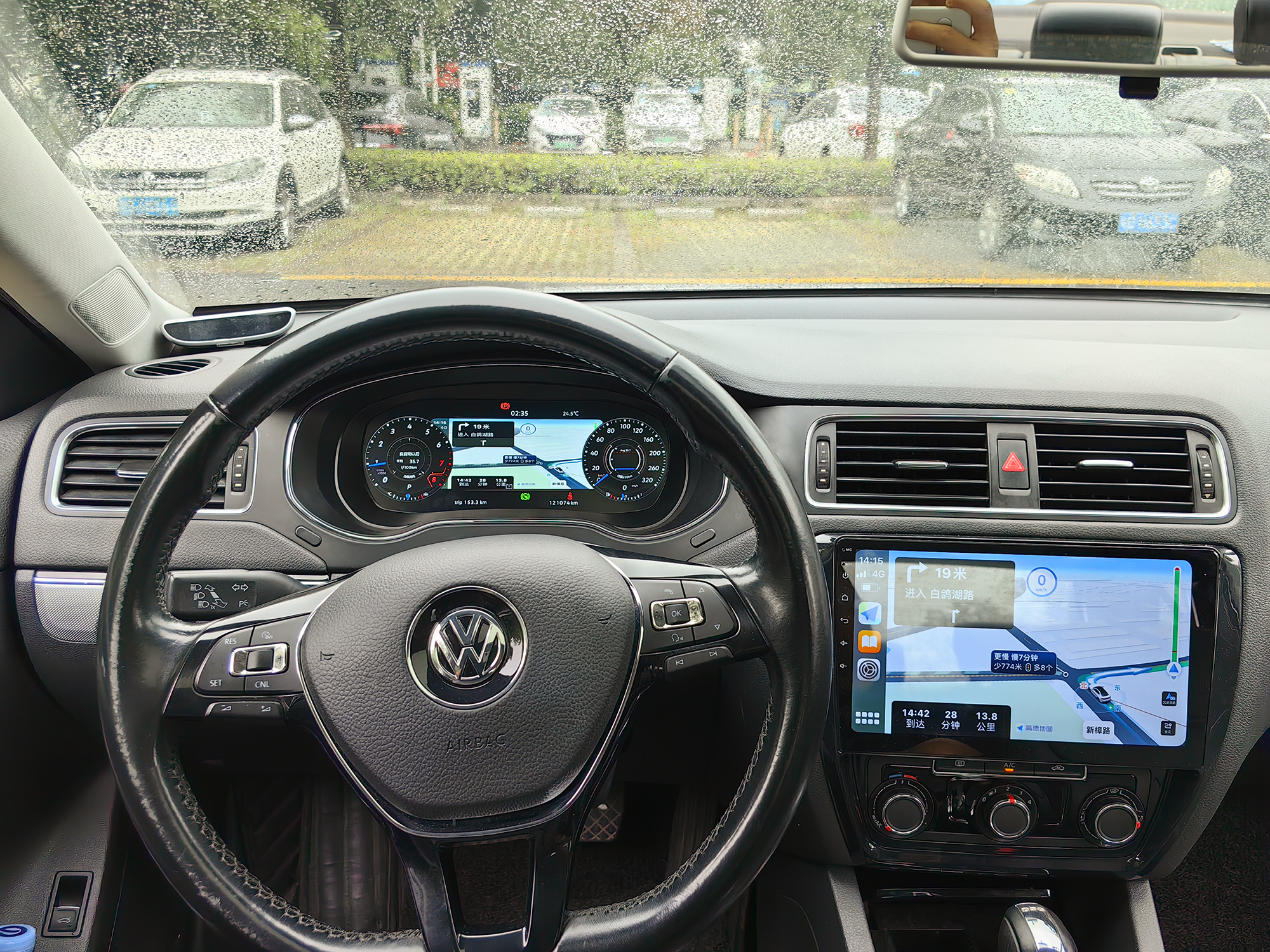
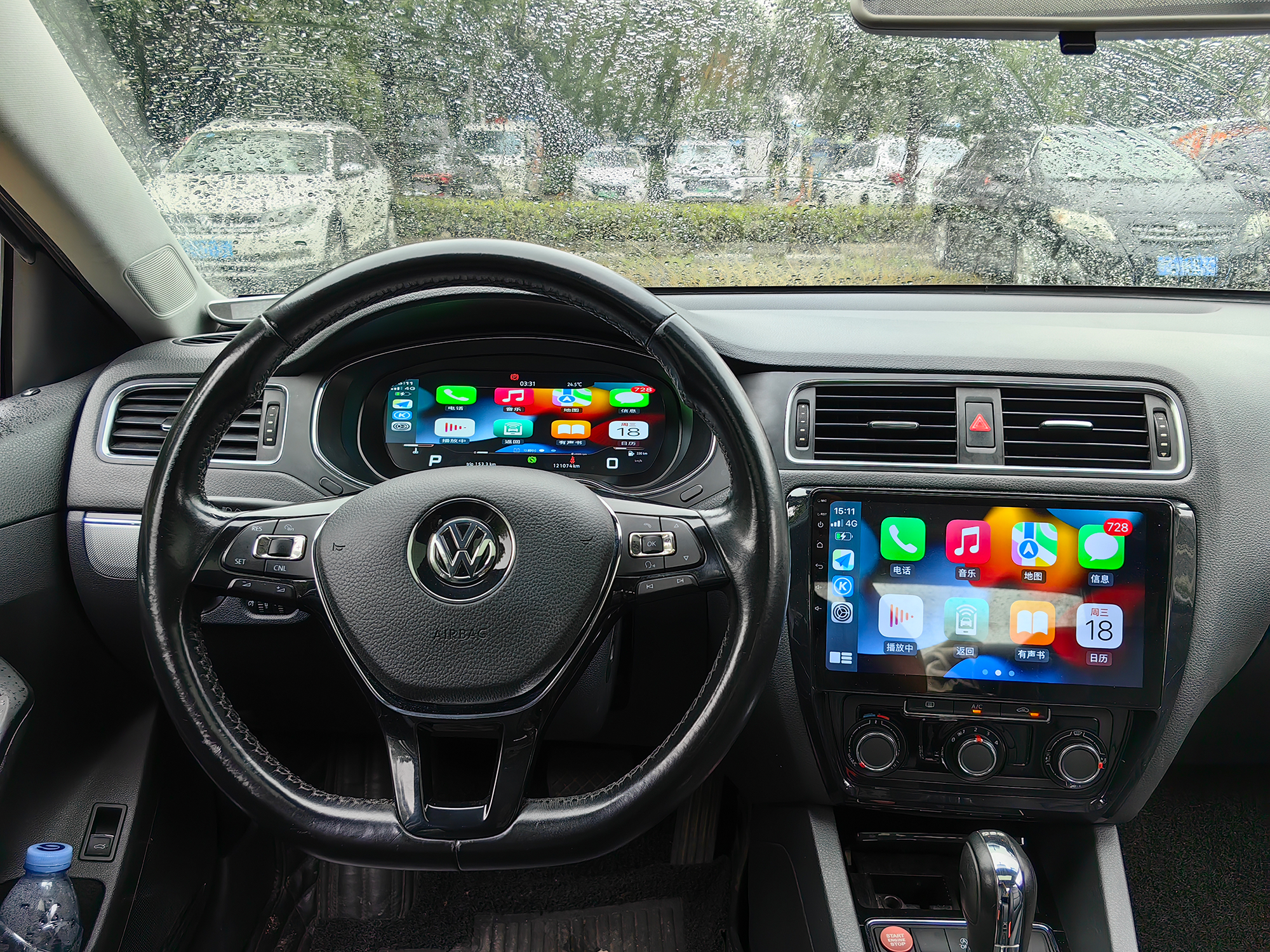
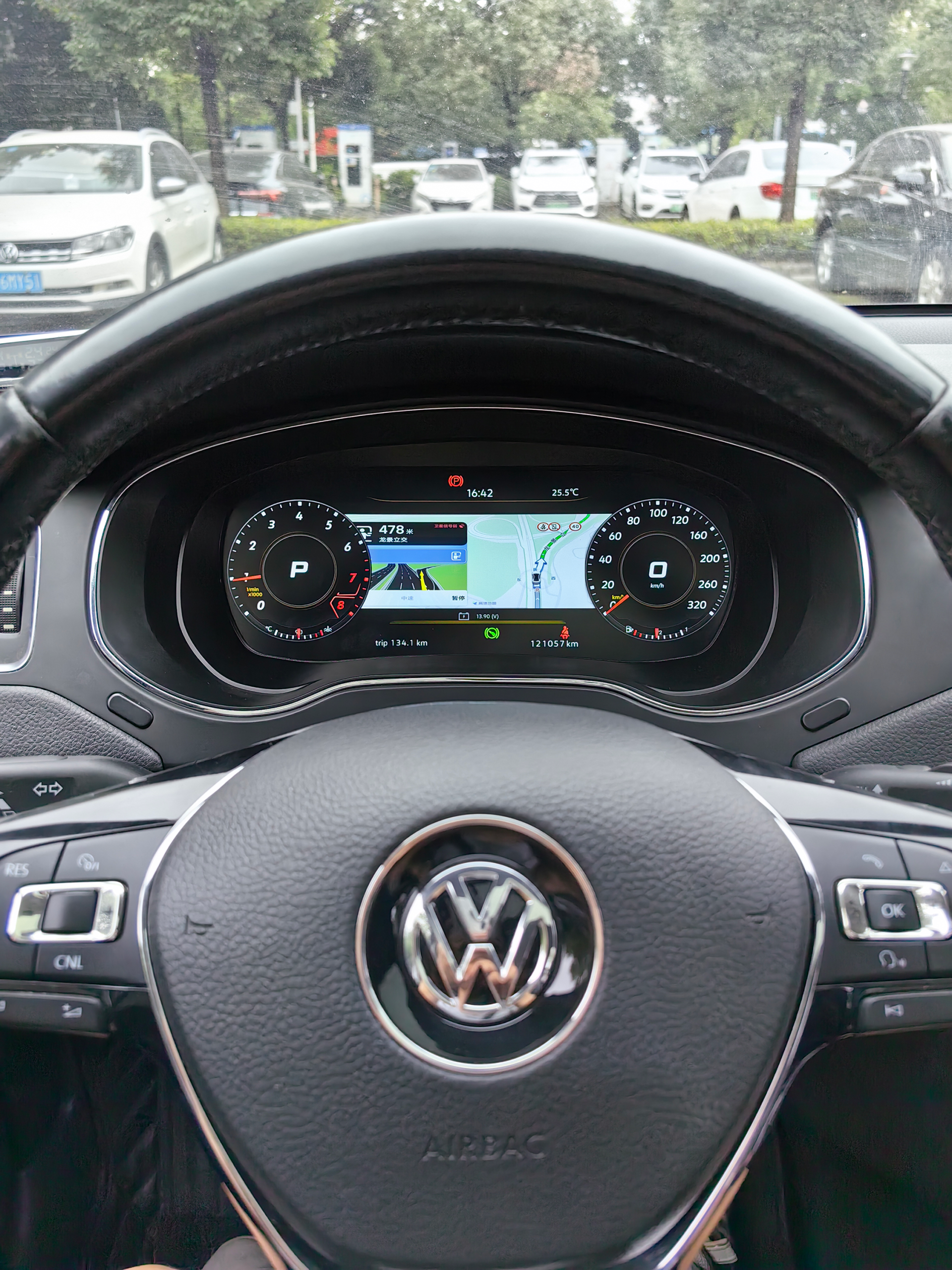
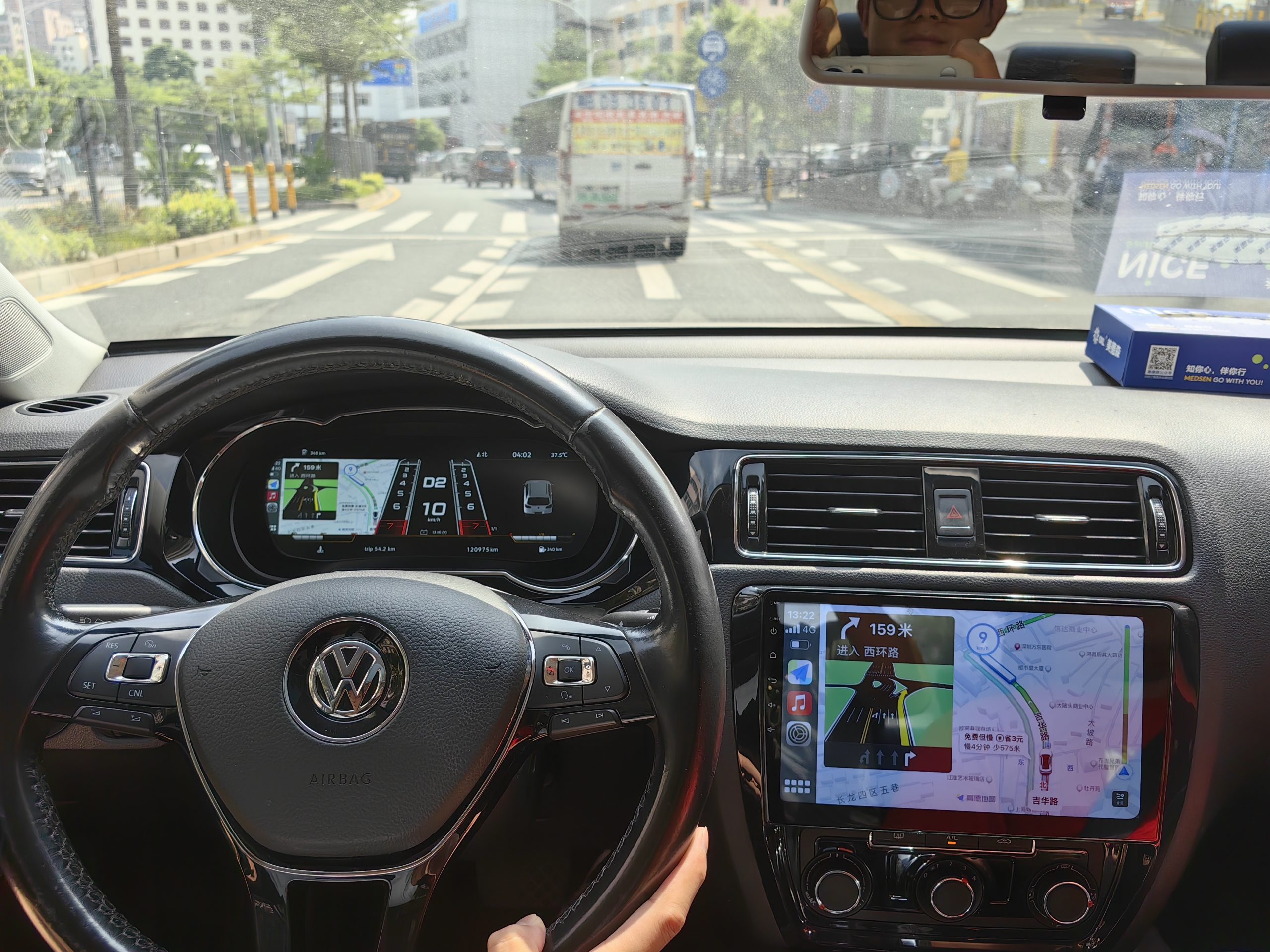
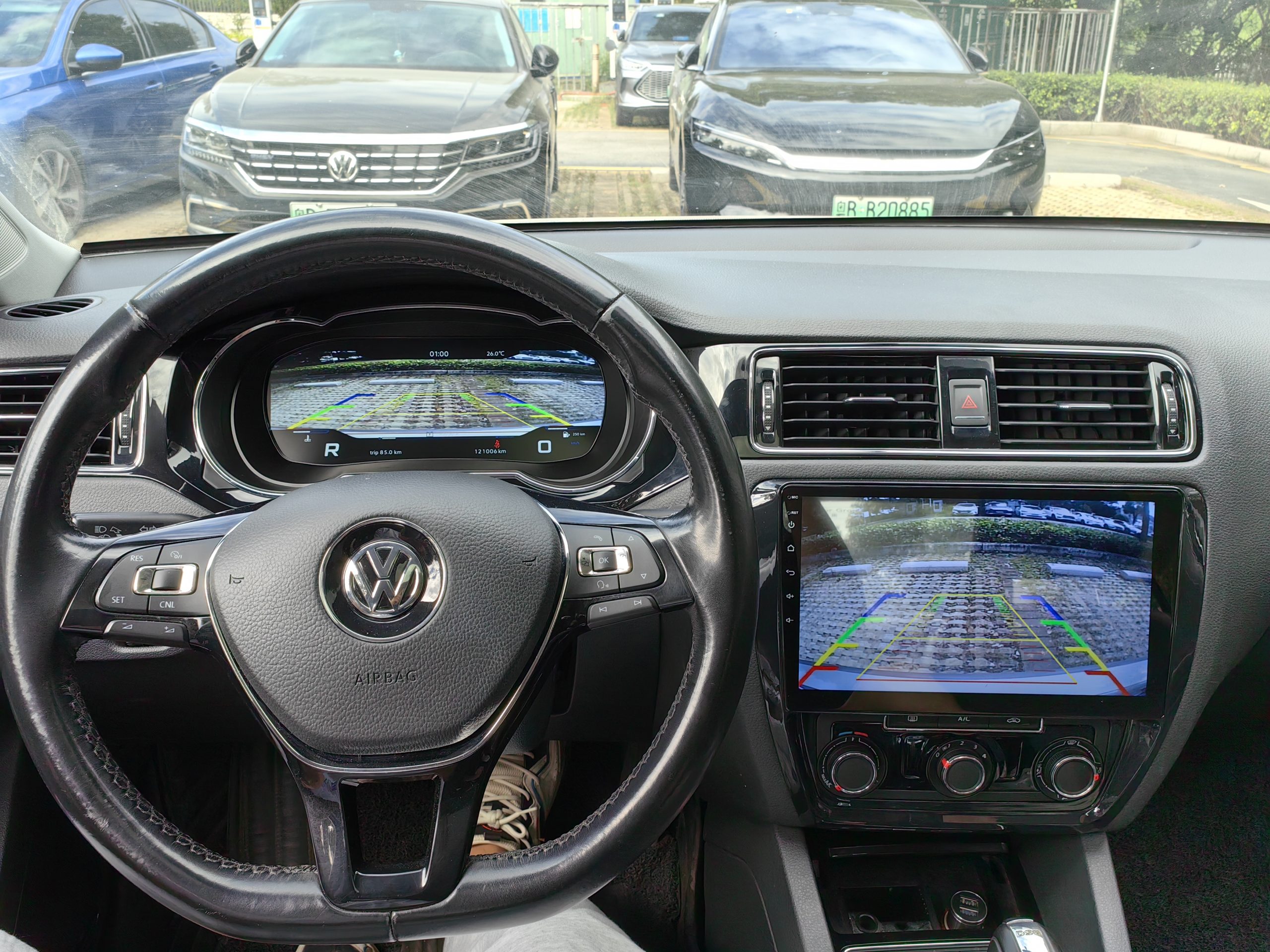
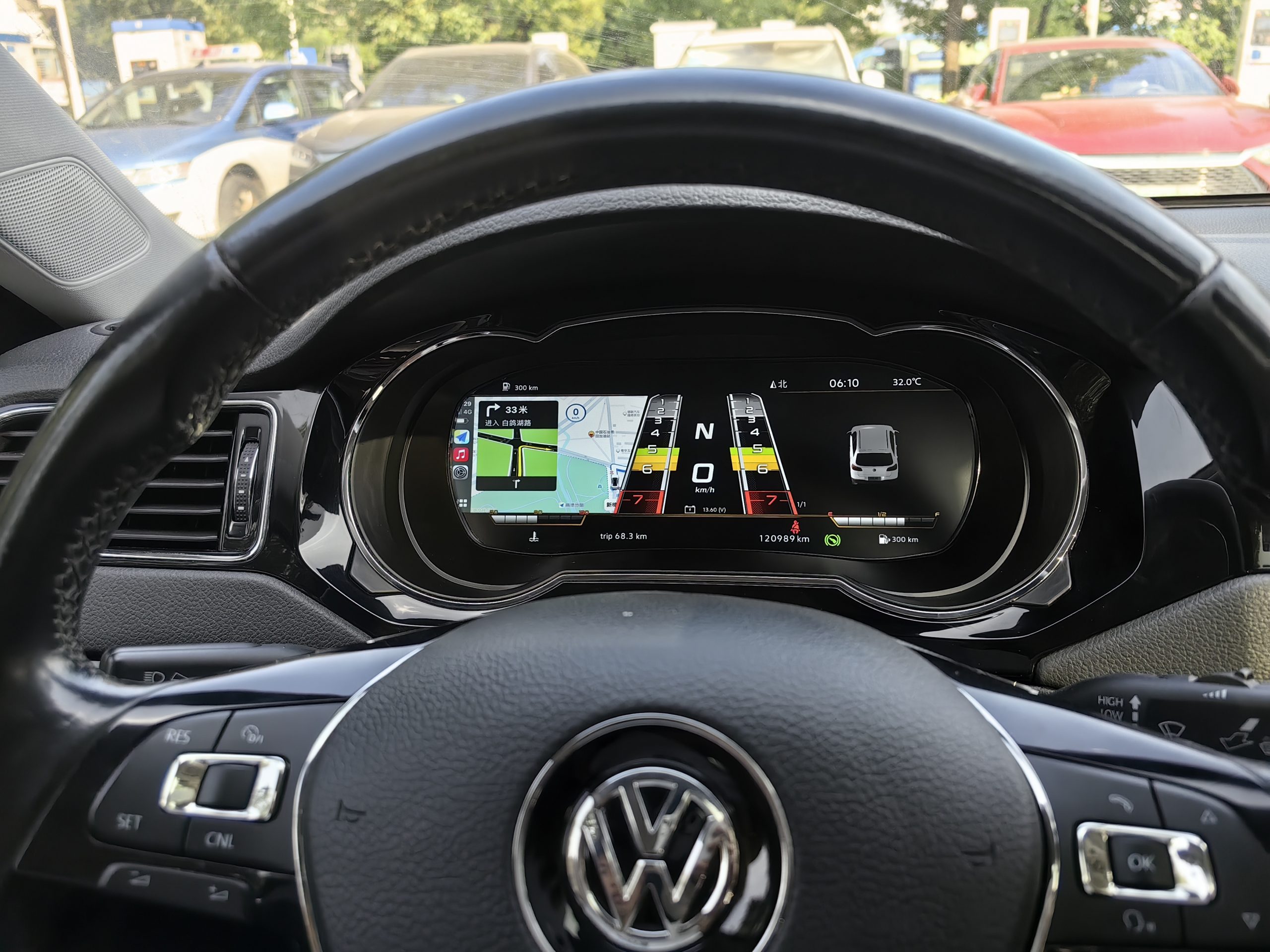
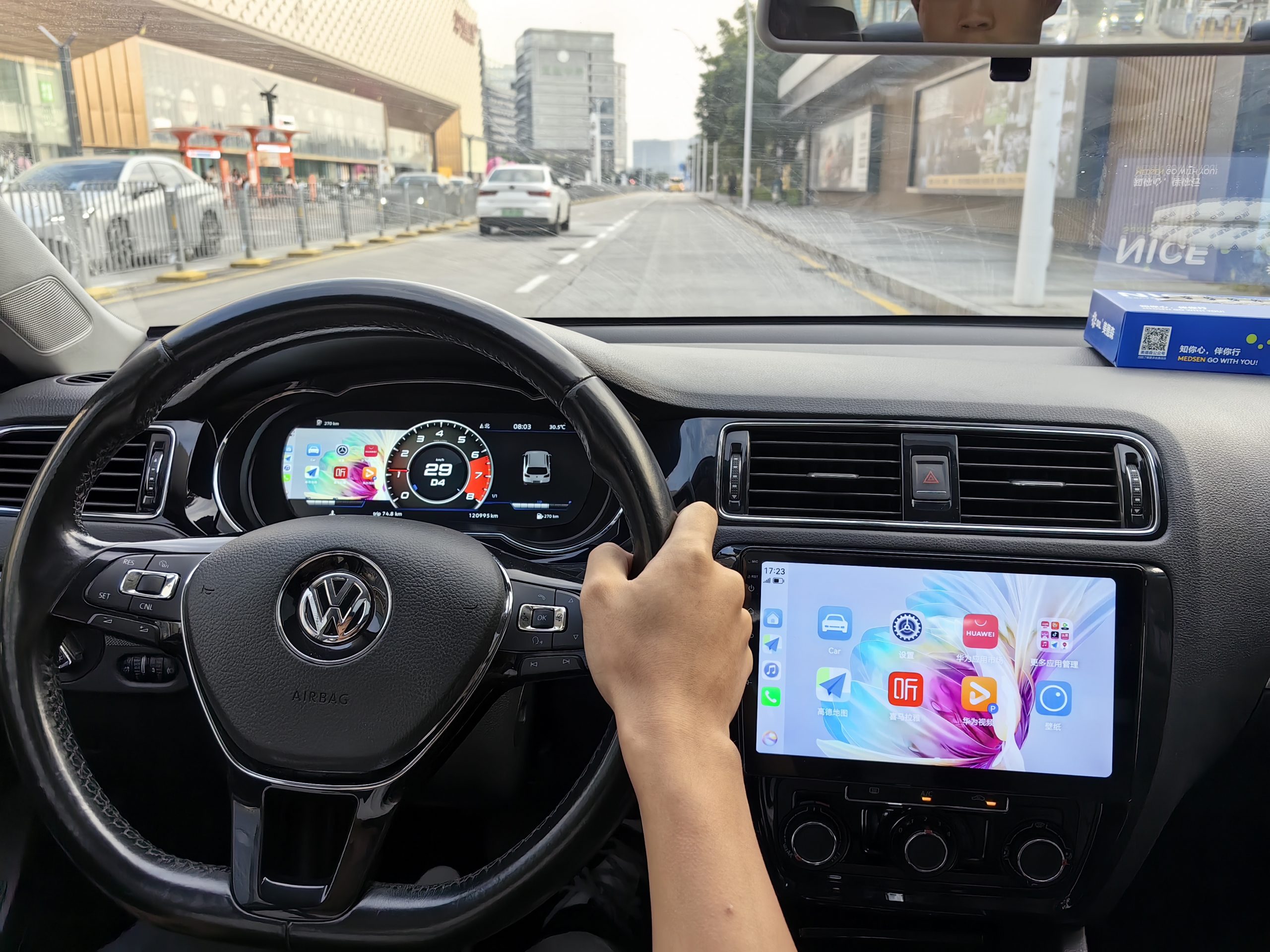
6. Installationsvideor
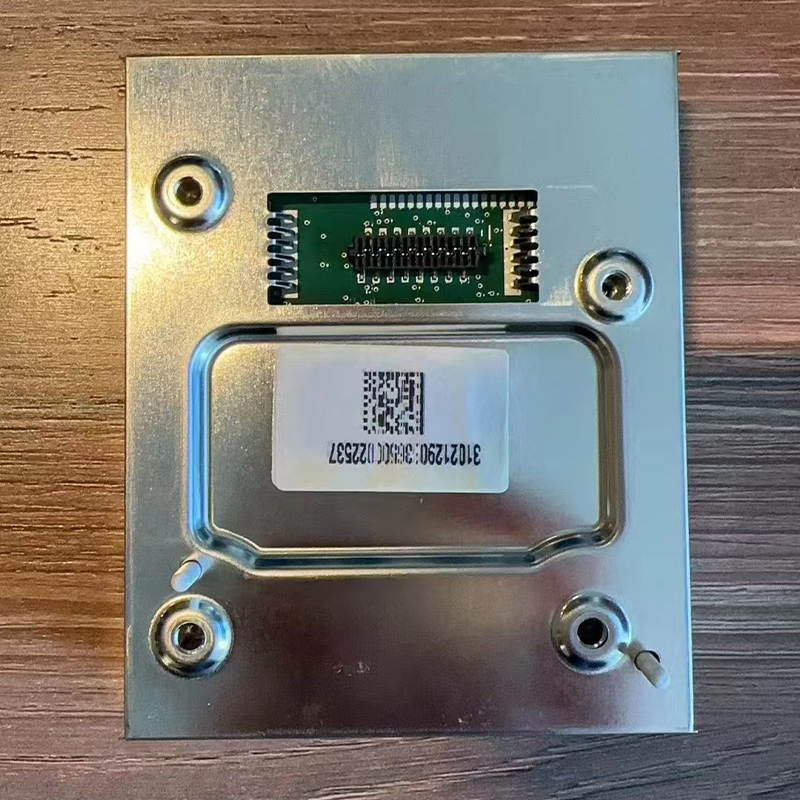
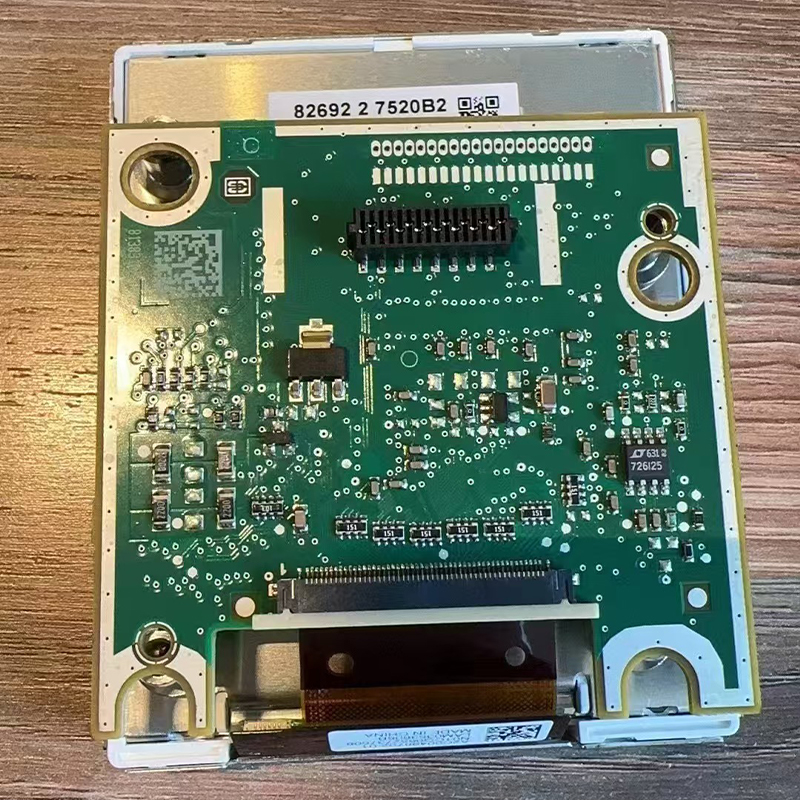
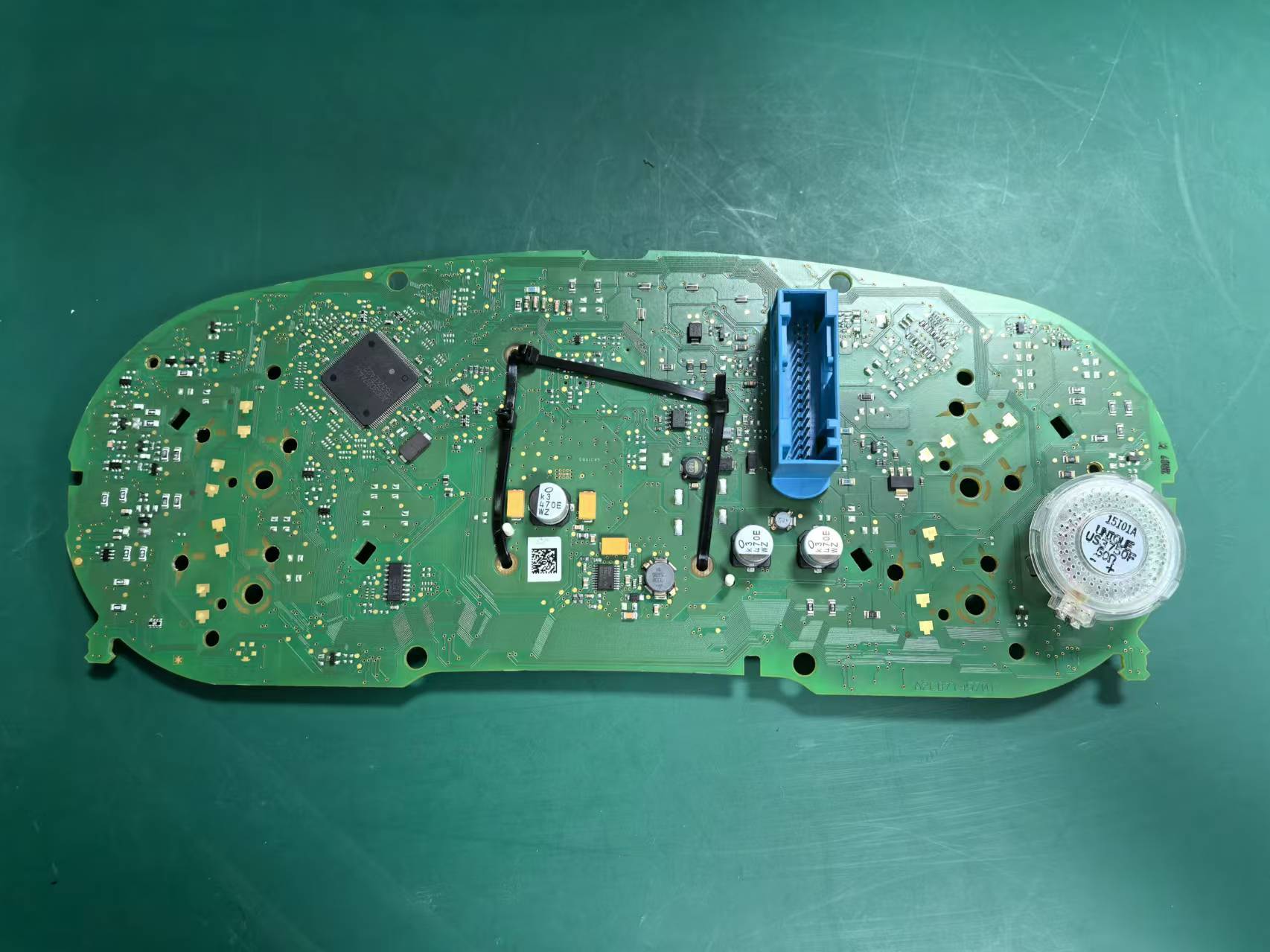
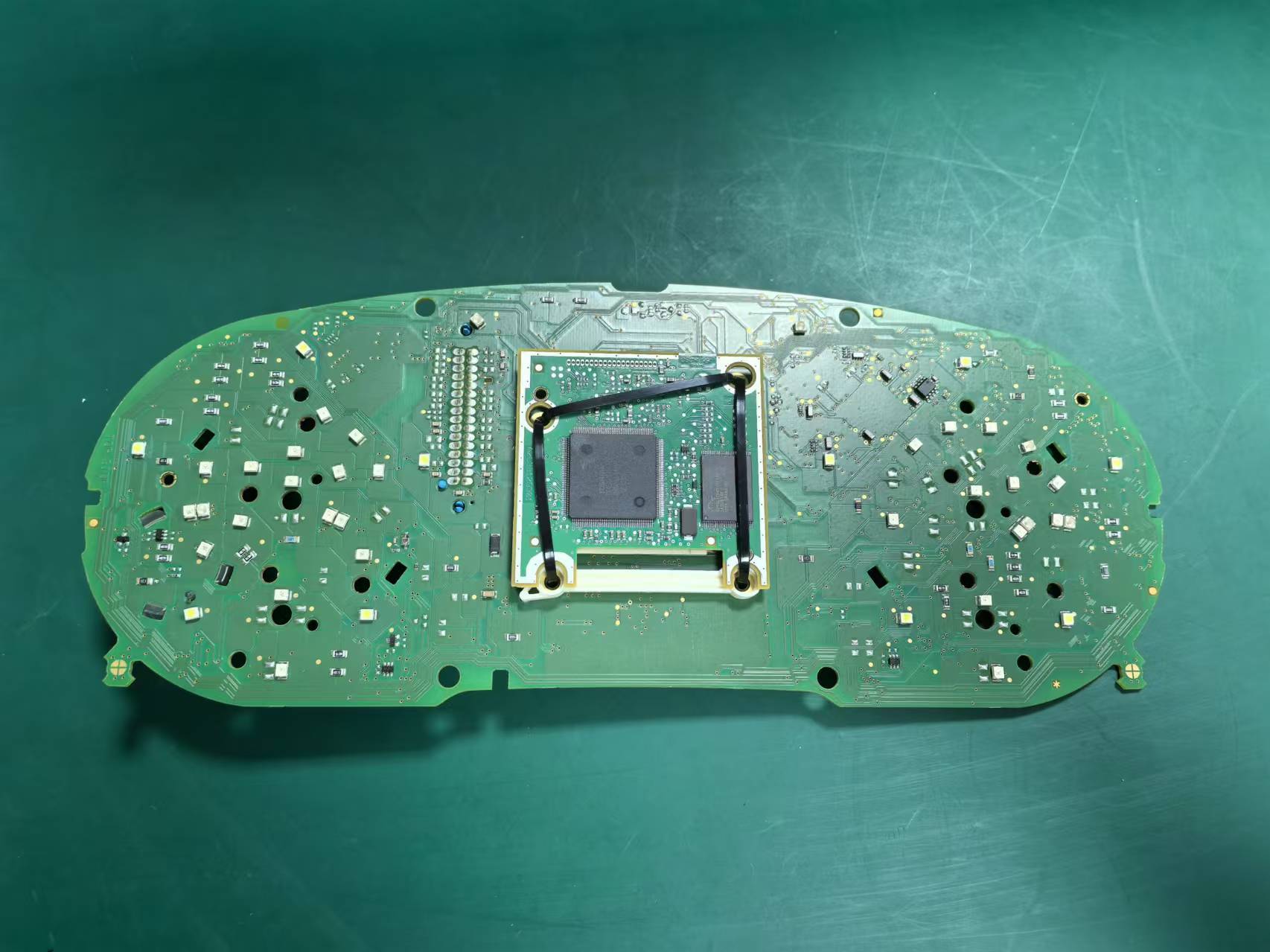
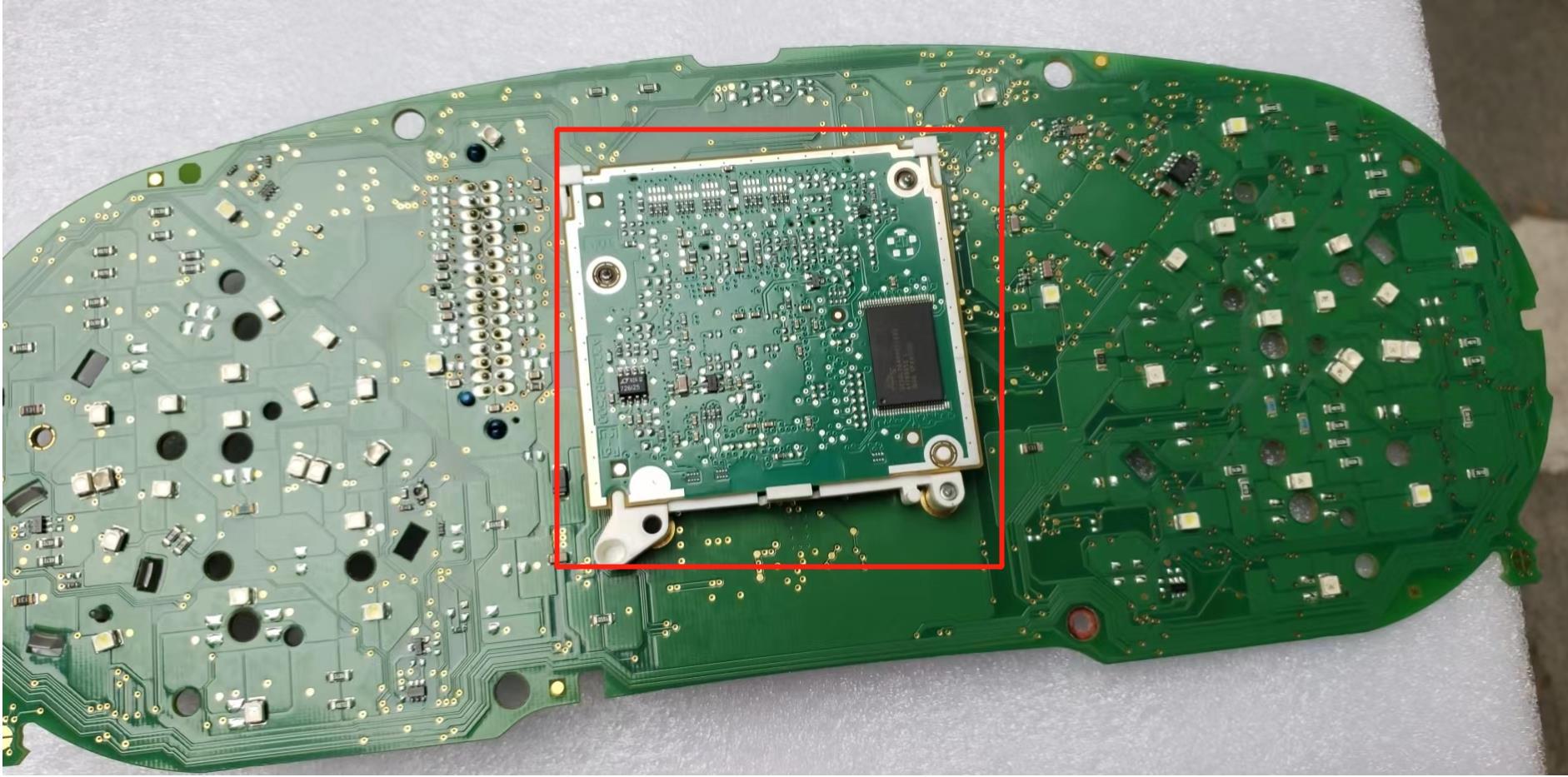
Vissa analoga instrumentpaneler i högre utrustningsnivåer har ett litet tilläggskort bakom minidisplayen. Fäst det enligt bilden och sätt in det i den digitala instrumentpanelen. Om detta kort saknas leder det till felaktiga bränslevärden och felkoder.
USB- och speglingskablar (efter installationen)
Klustret erbjuder två USB-kablar: Uppgradera USB (uppdatering via kabel) och USB-spegling (kabelansluten spegling). Vi rekommenderar att båda kablarna dras in i förvaringsfacket under ratten för att underlätta åtkomsten.
Hela installationsprocessen (video)
Kalibrering av PQ-bränslemätaren (endast om “Full” inte visas när tanken är full)
- Fyll tanken och kör några hundra meter.
- Öppna Kördata → Tankbar volym och notera värdet på det återstående bränslet.
- Ange Inställningar → Kalibrering → Tankens kapacitet och ange det värdet.
- Bekräfta. “Tankbar volym” ska bli 0 och mätaren ska visa “Full”.”
Ikon för fordonsmodell
Om fordonmodellen på skärmen inte stämmer överens med din bil: gå till Inställningar → Fordonsmodell, välj rätt alternativ och sedan stäng av motorn och lås bilen i några minuter innan du startar om.
Fler demonstrationer med riktiga bilar: TikTok — Officiella installationsguider
7. Handbok för klusterhantering
- Språk och enheter: Inställningar → Språk/Enheter. Välj EN eller CN; km/h eller mph; °C eller °F.
- Teman och visning: Välj ett tema i VW-stil; justera densiteten och ljusstyrkan i nattläget.
- Rattens knappar: Kontrollera knapparna ”Page Up”/”Page Down” och ”OK”/”Back”. Om de inte stämmer överens, kontrollera modulversionerna [R4] eller använd OBDeleven [R5][R6].
- Vyer för körlägen: Välj mellan lägena Eco, Comfort och Sport där så är möjligt.
- Skärmspegling via telefon: Via USB-spegling eller trådlös spegling. Vissa funktioner är begränsade under körning.
- Varningar och meddelanden: Alla DTC:er och varningar som gäller karossdelen sparas; se även problem med klusterknapparna [R7].
- OTA-uppdatering: Inställningar → System → Onlineuppdatering (APP-datum ≥ 16 april 2025, M-D-Y). Installationen tar cirka 5–6 minuter – stäng inte av datorn. För officiella anvisningar, se erWin [R9].
- Versionskontroll: Efter uppdateringen bör du kontrollera under Inställningar → Versionsinformation; återställ tema/enheter vid behov.
8. Externa källor
- VW:s bruksanvisningar (USA) — Officiella online-handböcker (2012+).
- VW ägarmanualer (UK/EU) — Sökning efter EU/UK-manualer.
- Ross-Tech Wiki — Jetta (16/AJ) Tweaks — Användbara anpassningar/kodning.
- Ross-Tech — Versioner av styrhjulsstyrningsmodulen — SWCM version/funktionsmatris.
- OBDeleven för Volkswagen — Officiell verktygsöversikt.
- VWVortex — OBDeleven-guide för mätarvy — Community-handledning.
- NHTSA TSB — Knappar i instrumentpanelen fungerar inte (PDF).
- NHTSA TSB — Tips för borttagning av instrumentpanelens dekorlist (PDF).
- erWin — Officiell Volkswagen-servicinformation (VWGoA) — Procedurer/kablage/TSB (registrering krävs).
- CAN-buss — Teknisk översikt — Bakgrundsreferens.







Add comment
Du måste vara inloggad för att publicera en kommentar.